
Estimated reading time: 5 minutes
You’ve seen it everywhere—those sleek, shiny devices that promise to turn your home into a high-tech paradise. But when it’s time to bring automation into your space, there’s one big question: Should you handle the setup yourself, or hire a professional to do it for you?
As someone deeply immersed in the world of automation, I’ve navigated these options countless times. Whether you’re prioritizing security, energy efficiency, or the sheer convenience of a tech-savvy lifestyle, understanding the pros and cons of both approaches is crucial.
What You’ll Discover Here
- The essentials of DIY and professional home automation.
- Key advantages and disadvantages of each approach.
- Scenarios to help you decide what’s best for your needs.
- Common pitfalls and how to avoid them.
- Practical tips to make the most of your automation journey.
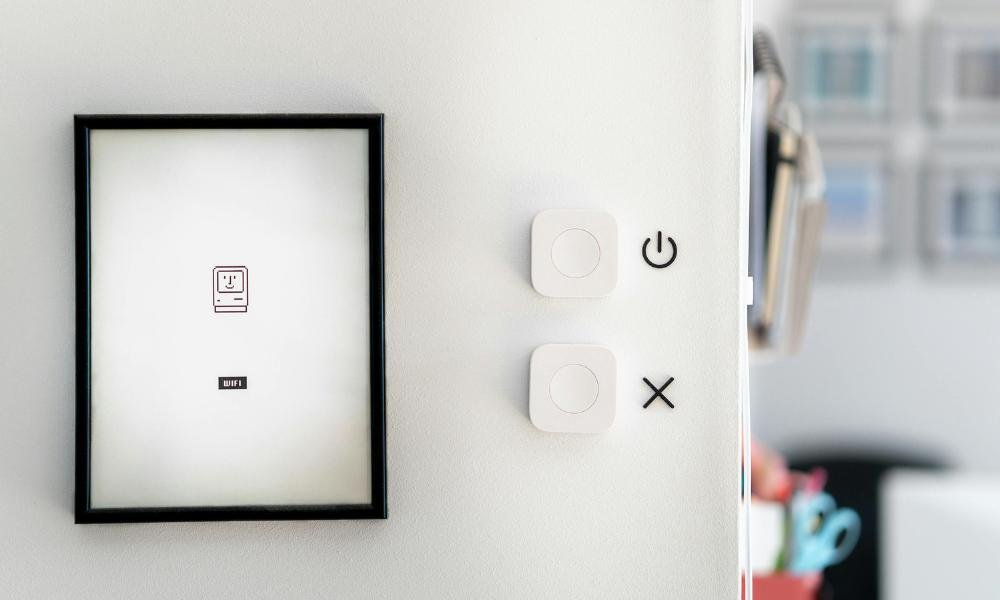
DIY Home Automation
Why Choose DIY?
For hands-on tech enthusiasts, DIY setups offer the thrill of control. It’s the perfect option if you love experimenting with devices and don’t mind spending time researching and installing. Today’s market is packed with user-friendly options that cater to beginners and pros alike.
Advantages
- Lower Costs: You save on labor, which makes it budget-friendly.
- Full Control: You decide which devices to include and how to configure them.
- Personal Growth: It’s a great way to learn how automation works, giving you valuable skills along the way.
Challenges
- Learning Curve: Researching compatibility and setup instructions can be time-intensive.
- Troubleshooting: If something goes wrong, it’s all on you to fix it.
- Connectivity Issues: Devices from different brands might not work seamlessly together.
Professional Automation Solutions
Why Hire the Pros?
For those who prefer hassle-free solutions, bringing in experts can make all the difference. Professionals design and install systems tailored to your needs, ensuring everything works together seamlessly.
Advantages
- Expert Integration: Professionals know how to get devices from different brands to work as a cohesive system.
- Efficiency: They handle complex setups quickly and correctly.
- Ongoing Support: Many companies offer maintenance plans, so you don’t have to worry about upkeep.
Challenges
- Higher Costs: The price of labor and expertise adds up.
- Less Flexibility: You may have limited say in how the system is designed.
DIY vs. Professional: A Quick Comparison
| Feature | DIY | Professional |
| Cost | Lower upfront | Higher upfront |
| Installation Time | Longer (self-paced) | Shorter (expert-driven) |
| Expertise Needed | High | Minimal |
| System Quality | Depends on your effort | Guaranteed seamless integration |
Real-Life Scenarios: What Works Best?
When DIY is a Great Option:
- Small Projects: Setting up a voice assistant or smart lights is simple and fun.
- Tech Enthusiasts: If you love gadgets and don’t mind troubleshooting, DIY can be rewarding.
- Budget Constraints: DIY is ideal when you’re trying to save money.
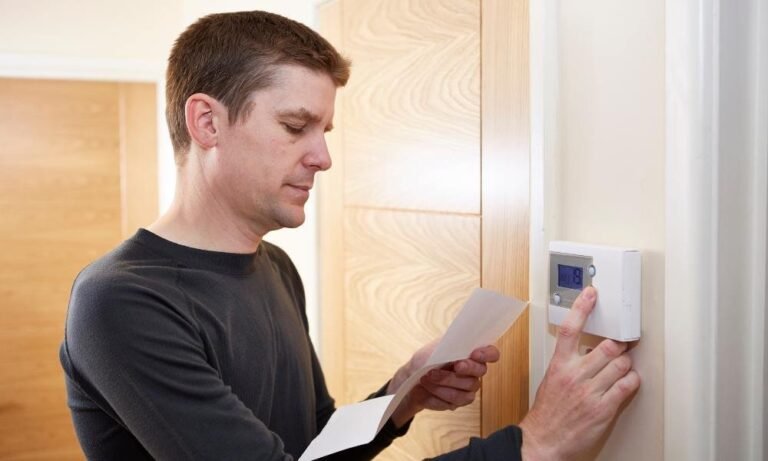
Example: Installing a smart thermostat to automate your home’s temperature is a classic DIY project.
When to Call the Experts:
- Complex Systems: For whole-home automation, including security cameras and sensors, a professional touch is invaluable.
- Limited Time: If you’re juggling work and family, let someone else handle the tech.
- Security Concerns: Professionals ensure locks, cameras, and data systems are secure.
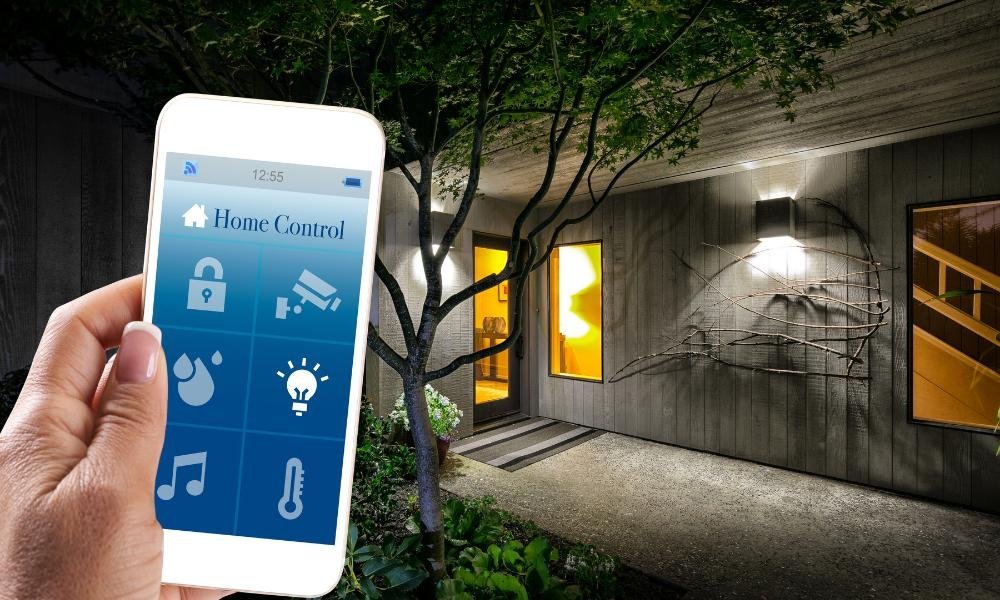
Example: Imagine connecting your smart locks, motion detectors, and surveillance cameras into a single app. A pro ensures the system is reliable and tamper-proof.
Avoiding Common Pitfalls
DIY Mistakes:
Skipping Compatibility Checks: Always confirm that your devices will work together before purchasing.
Overloading Your Network: Too many devices can strain your Wi-Fi. Consider upgrading your router or investing in a mesh system.
Neglecting Security: Set strong passwords and update software regularly to avoid vulnerabilities.
Professional Oversights:
- Paying for Unnecessary Features: Ask questions to ensure you’re only buying what you truly need.
- Overreliance on Experts: Learn basic troubleshooting for small fixes to avoid unnecessary service calls.
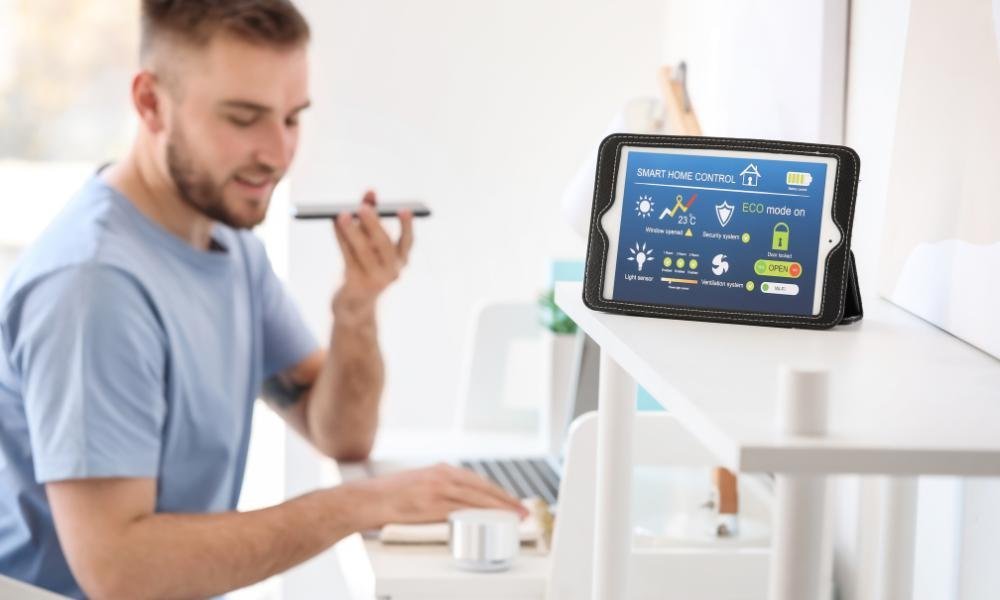
Combining DIY and Professional Options
Can’t decide? Why not do both? Start with simple DIY setups, like smart speakers or thermostats. Later, when you’re ready to expand, bring in a professional to tie it all together. This approach gives you flexibility and control while ensuring your system is future-proof.
FAQs
1. Is DIY automation hard to install?
Not always. Simple devices, like smart bulbs or plugs, are plug-and-play. However, complex systems may require more effort and expertise.
2. What does professional installation cost?
Costs vary, but for a standard system, you’re looking at anywhere from $500 to $5,000, depending on complexity.
3. Can I start with DIY and switch to a professional setup later?
Yes! Many pros can integrate your existing devices into a larger system, making it easy to upgrade.
Final Thoughts
Whether you go the DIY route or hire professionals, the ultimate goal is the same: creating a home that works for you. DIY offers affordability and control, while professionals bring expertise and convenience to the table.
If you’re still unsure, start small. Experiment with a single device, like a smart thermostat, to see how comfortable you are managing the setup. Then, if you’re ready for more, call in the experts to help you scale up.
Whatever you choose, automation should make your life easier—not more complicated. So, take your time, weigh your options, and enjoy the perks of a smarter home!