
Estimated reading time: 15 minutes
Last updated on May 18th, 2026 at 04:04 am
There’s a peculiar moment that happens in every home office: you’re mid-work, you can’t find a specific file, and suddenly 20 minutes have vanished. You’ve just relocated the same stack of papers three times.
That moment is the impetus for real change.
Office organisation isn’t about buying matching containers or creating Instagram-worthy workspaces. It’s about building systems that actually reduce friction in your daily work. When your office works with you instead of against you, everything becomes easier—focus sharpens, you waste less time searching, and the space naturally stays tidy without constant effort.
This guide walks you through tested systems that work whether you’re a remote worker dealing with paper overload, a freelancer juggling multiple projects, or anyone who’s tired of desk clutter stealing mental energy.
Start With an Honest Declutter
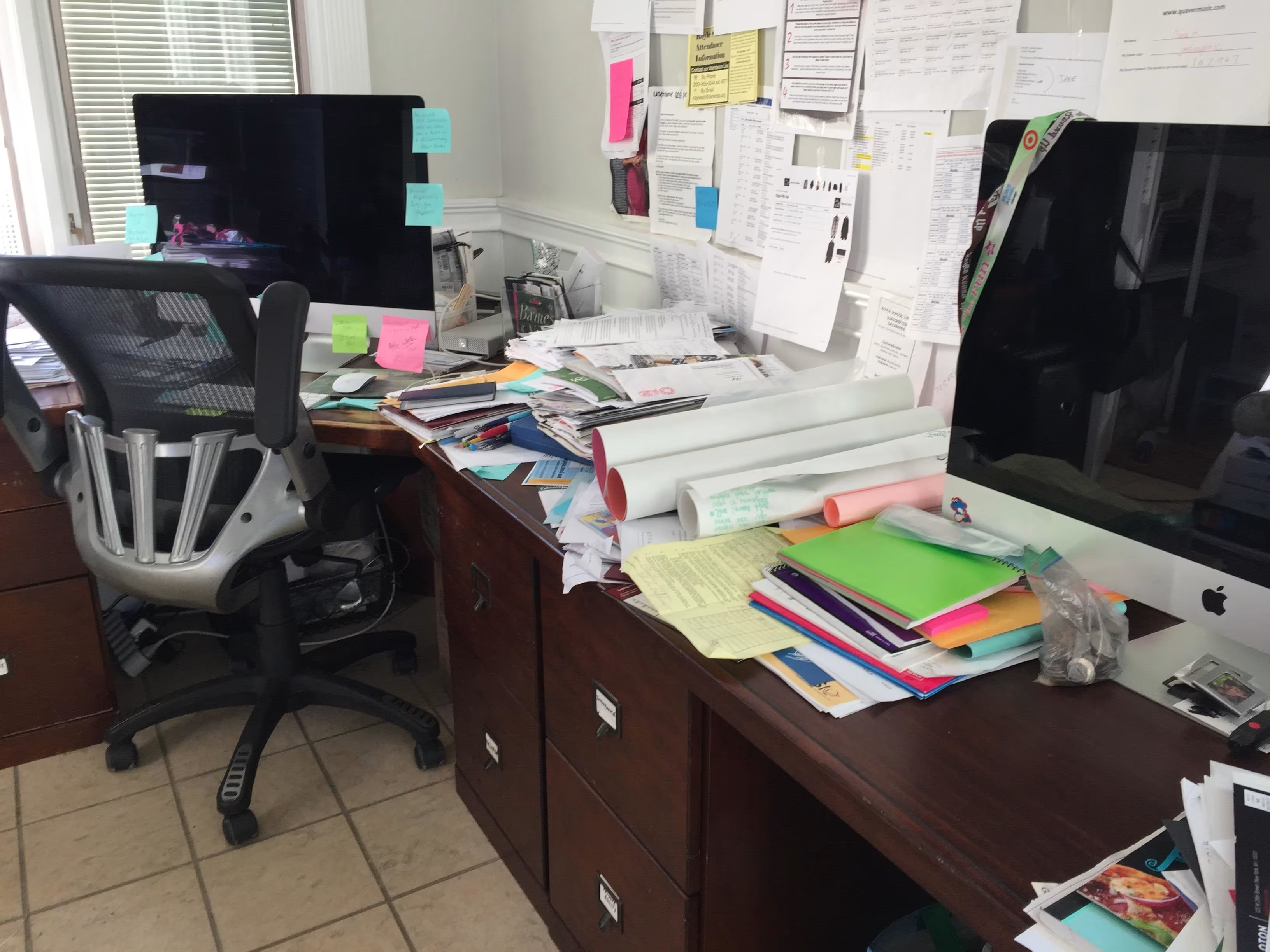
Before organising anything, you need to remove the stuff that shouldn’t be there.
This is the unglamorous but essential first step. Pull everything off your desk, shelves, and drawers. Yes, everything. As you handle each item, ask one question: have I actually used this in the last three months?
Be ruthless here. That expensive pen set from your aunt? If you don’t use it, it’s just taking up space. The stack of magazines from 2023? They’re clutter, not inspiration.
What often happens is we keep things “just in case” or because they were expensive. The cost is already paid—keeping unused items just delays that realisation. You’re not wasting money by getting rid of them; you’re freeing up mental and physical space.
Separate your office supplies into three categories:
Daily essentials – Things you use several times a week or more. These belong on your desk or in your most accessible drawer. Think pens you actually use, your notebook, your phone charger.
Occasional supplies – Items used monthly but not constantly. Spare printer ink, extra notebooks, specialty markers. These can live on shelves or in boxes, still accessible but not stealing desk real estate.
The “just in case” pile – Most of this gets donated, recycled, or (rarely) kept in one small container. Be honest: you probably won’t use 47 different pens.
This single step—removing 40% of what you own—creates more immediate improvement than any fancy storage system.
Embrace Vertical Storage to Reclaim Desk Space
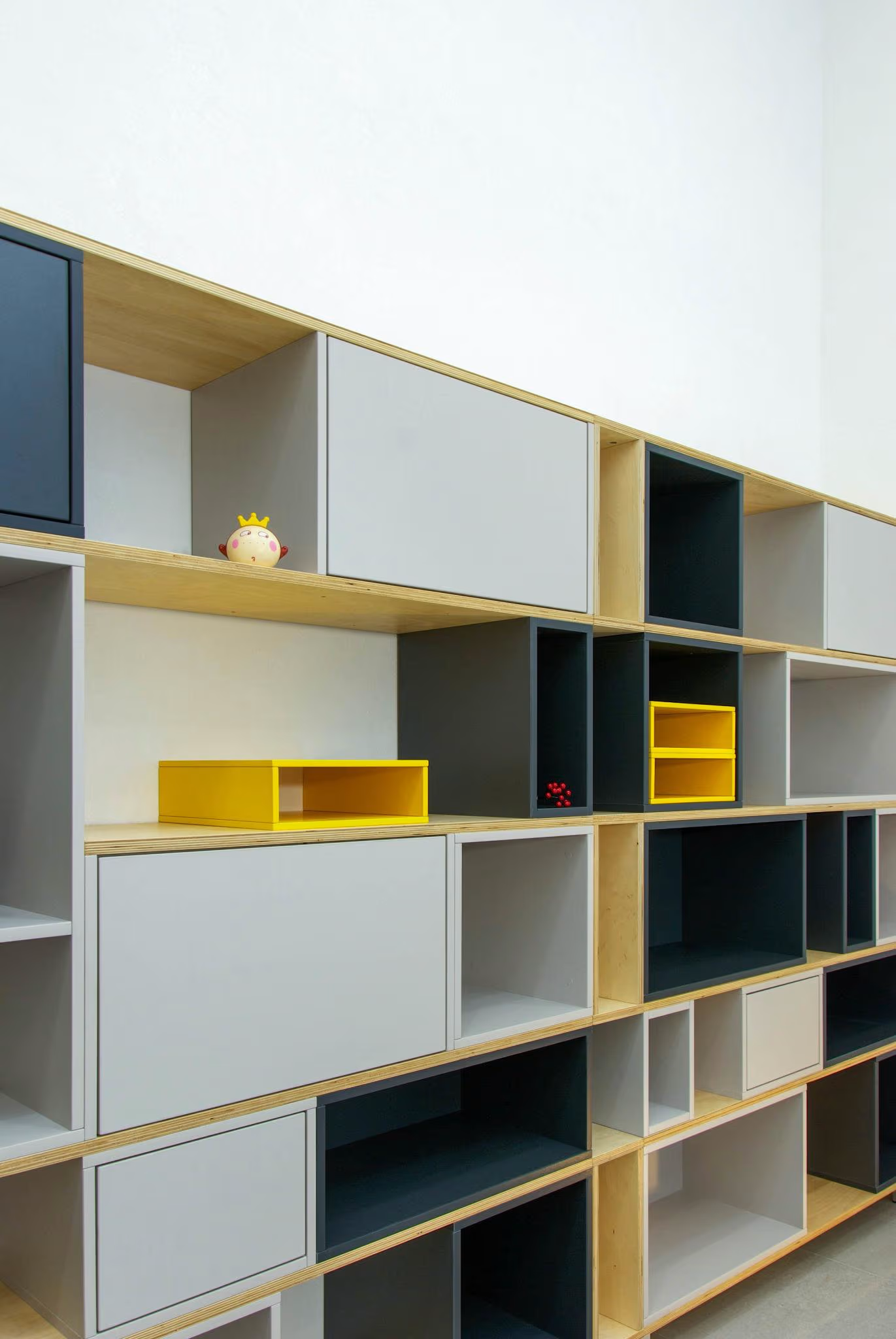
Horizontal space on your desk is precious. Vertical space on your walls is usually wasted.
Wall-mounted storage is transformative because it keeps things visible and accessible without consuming desk surface. A clear desk psychologically signals “I can focus here,” while visual clutter (even if well-organised) creates subtle mental resistance.
Floating shelves work well for frequently-accessed items or a mix of storage and display. They look clean and the contents are easy to see. The downside: dust collects on top of items, and they don’t hide anything.
Wall-mounted organisers (like hanging racks or magazine holders) are excellent for paperwork, notepads, or current projects. IKEA, Target, and local furniture stores have dozens of options at reasonable prices.
Pegboards suit creative types or anyone with lots of small tools and supplies. They’re customisable, look intentional, and tools stay visible. A pegboard full of hanging items avoids the “trapped dust” problem of shelves.
Simple shelving units give you the most storage per square inch. If your office is small, a three-shelf unit against one wall instantly doubles your storage capacity without feeling cramped.
The key: whatever you mount on walls should either be beautiful enough to display or hidden behind a closed organiser. “Pretty organised mess” still looks messy.
A practical tip: when hanging shelves, test the location for natural sightlines. You want important items at eye level, less-used items higher or lower. This matches how you naturally look around your space.
Design Your Desk for Actual Work
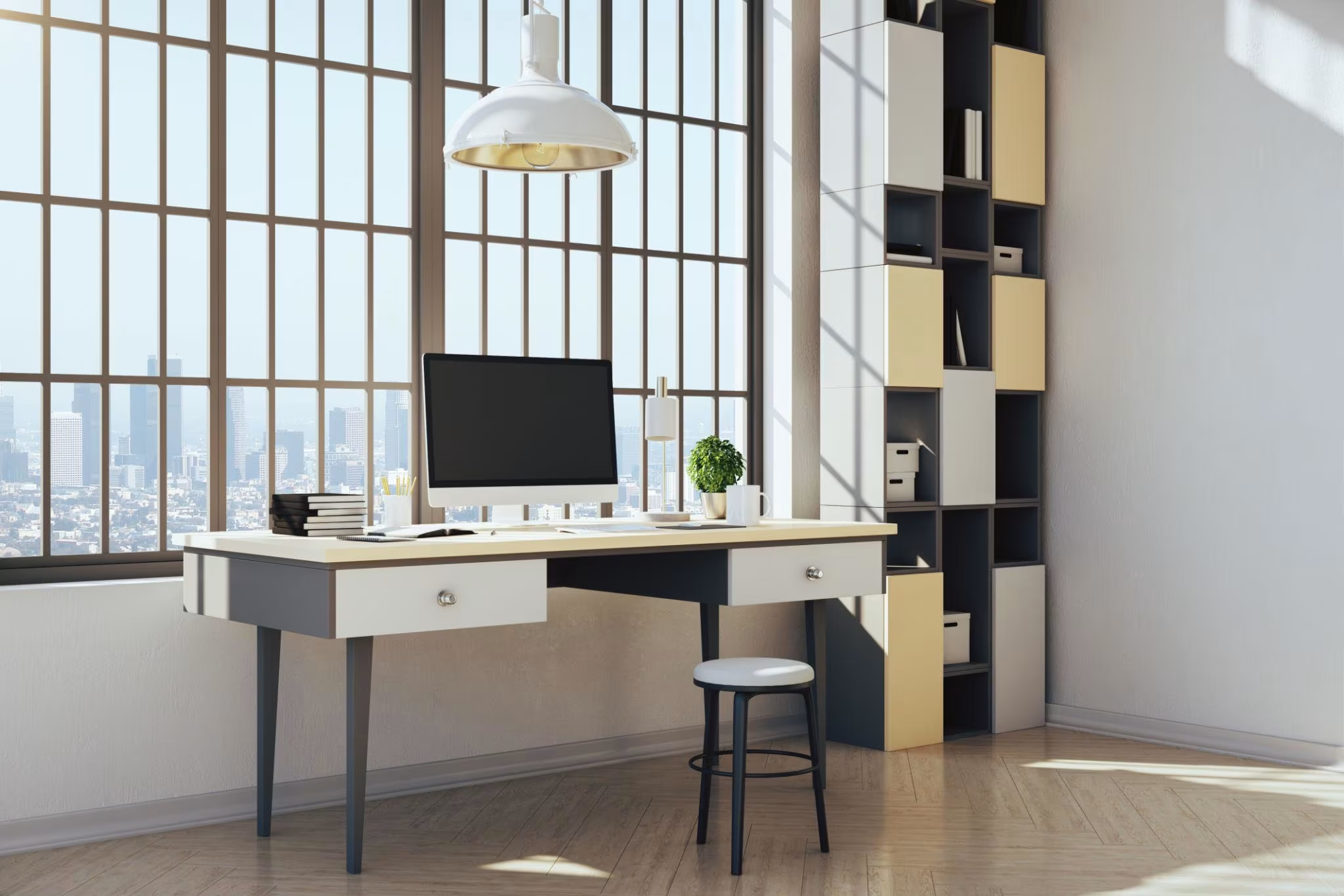
Your desk surface should contain only what you need for today.
Most productivity problems stem from desks cluttered with “maybe later” items. Each visual element—even an organiser—triggers decision-making. Too much on your desk means mental energy is divided between your actual work and the environment.
The “daily essentials” rule: Only keep items on your desk that you use multiple times per day. For most people, that’s a computer, maybe a notebook, a pen, a phone. Everything else lives elsewhere.
Desk trays are underrated. A single tray can hold your phone charger, a few reference books, or your current-week papers. Unlike chaotic piles, a contained tray looks intentional and keeps related items together. A hexagon tray, rectangular metal tray, or simple desktop organiser all work. The geometry keeps things contained.
Drawer dividers transform chaotic drawers into zones. Dedicate one section to writing tools, another to sticky notes and clips, another to chargers and cables. When everything has a home, you spend 3 seconds finding something instead of 3 minutes.
Under-desk storage handles overflow without cluttering your visual field. A rolling cabinet, under-desk drawer, or shelf works perfectly for supplies you access weekly but not daily. It’s invisible during video calls but functional.
The psychological benefit: starting your day at a clear desk shifts your mindset. You’re not inheriting yesterday’s chaos; you’re starting fresh.
Tame the Paper Problem With Predictable Categories
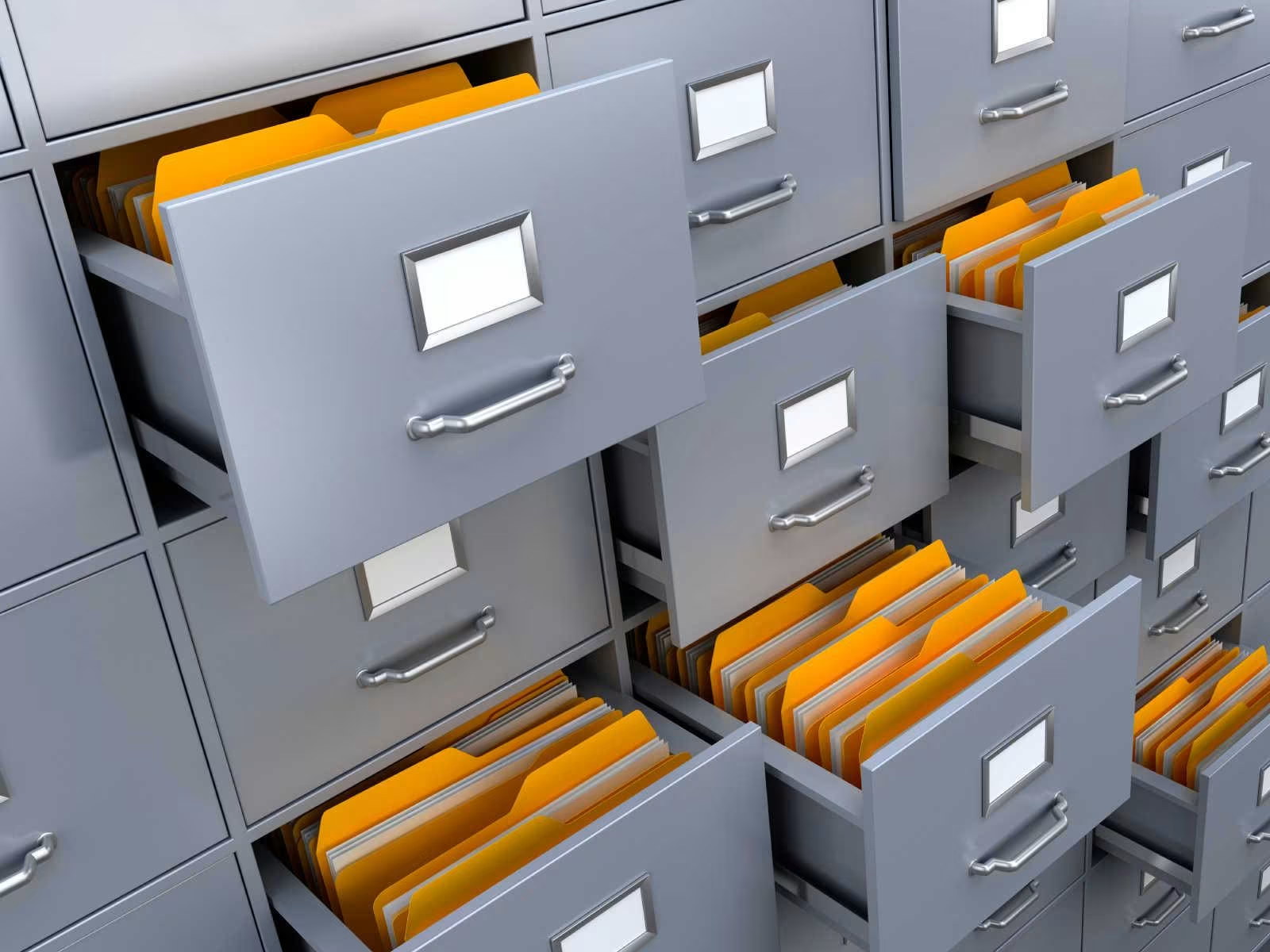
Paper creates office clutter faster than anything else.
The solution isn’t “go digital immediately”—that’s unrealistic for most people. The solution is a categorical system that prevents paper from becoming overwhelming.
A multi-section desk inbox is worth every penny. Ideally, it has at least four to five categories:
- Read – Articles, newsletters, documents you want to review but aren’t urgent
- Action – Bills to pay, forms to fill, items requiring your direct attention
- File – Documents that belong in your permanent filing system
- To Sort – Stuff that arrived but you haven’t categorised yet (keep this small)
- This Week – Time-sensitive items with a clear deadline
This isn’t just organisation; it’s triage. Nothing sits in your inbox longer than necessary. At the end of each week, items in the “Read” section either get read and recycled or get tossed. “To Sort” gets categorised. “This Week” items either get completed or moved to proper folders.
Maintain a filing system for documents you actually keep. Forget about complex hierarchies—most people don’t stick with them. Instead, use broad categories (Financial, Medical, Property, Projects) and colour-code them. When you need something, you instantly know to look in the green folder or pink folder.
Digital integration matters: Scan documents immediately when they arrive if they’ll eventually be digital. A phone scanner app takes literally 10 seconds. This prevents paper from accumulating because it’s not hanging around waiting for “someday.”
The paper inbox system is the single most effective anti-clutter tool. When paper has a clear flow instead of just piling up, the office stays manageable.
Organise Cables and Tech Before They Organise You
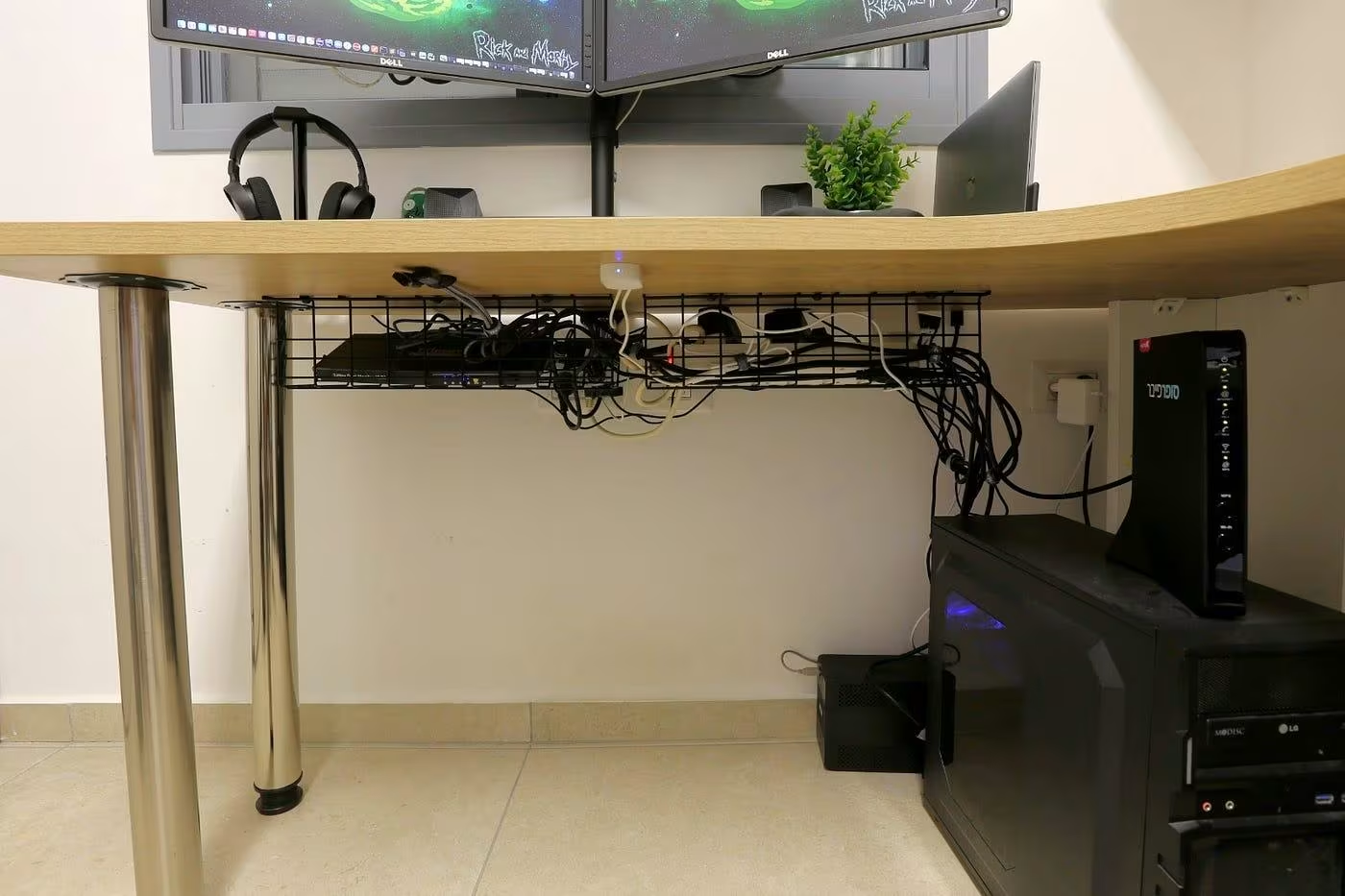
Cables are a universally frustrating part of modern offices. They multiply in the dark, tangle mysteriously, and suddenly you can’t identify which cord does what.
Cable clips and sleeves are cheap fixes that completely change how your desk looks and functions. Clip cables to the underside of your desk or wall so they don’t cascade to the floor. Bundled cables look intentional; loose cables look chaotic.
Label everything. Use a label maker or write on small masking tape and wrap it around cables. Laptop charger, monitor cable, printer cable, etc. You’ll thank yourself when you need to troubleshoot or move something.
Consolidate your charging station. Dedicate one area—a corner of your desk, a small shelf, or a wall outlet—as your charging hub. All devices charge in one place. This prevents charger cables from spreading across your office like vines.
Hide excess cables in a cable-management box (simple plastic containers work fine) or run them through adhesive conduit along the baseboards. If your cables are behind or under your desk, they’re invisible, so they stop creating visual noise.
Wireless solutions where possible. Wireless keyboard, mouse, and headphones reduce cable count significantly. It’s a modest investment that pays dividends in desk clarity.
Tech clutter often reflects our reluctance to make final decisions about devices. If you have three chargers for devices you no longer own, recycle them. That impulse to “keep it just in case” is the enemy of organisation.
Create Intentional Zones for Different Activities

Office organisation works best when different work activities have dedicated spaces.
Your brain actually works better with physical separation between tasks. A separate area for deep focus work, another for reference materials, another for administrative tasks. You don’t need multiple desks—just clear, defined areas or zones on your existing desk.
The focus zone – Your primary desk or workspace, cleared and ready. This is for your most important work. It should be the quietest, least-interrupted area of your office.
The reference zone – Shelves or a side table holding current projects, reference materials, and ongoing work. This is easily accessible but doesn’t interfere with your focus zone.
The administrative zone – Where your inbox, filing, and inbox management happens. This can be a small corner or rolling cart. When you need to process paperwork, you shift to this zone psychologically. When you’re done, you return to your focus area.
The tool station – Printer, scanner, supplies cabinet. Grouped together so you’re not walking across your office for different tools.
This zoning works because it mirrors how your brain thinks about work. When you sit in your focus zone, your brain knows it’s time to concentrate. This is more powerful than you’d expect.
Minimise Duplicate Supplies and Choice Overload
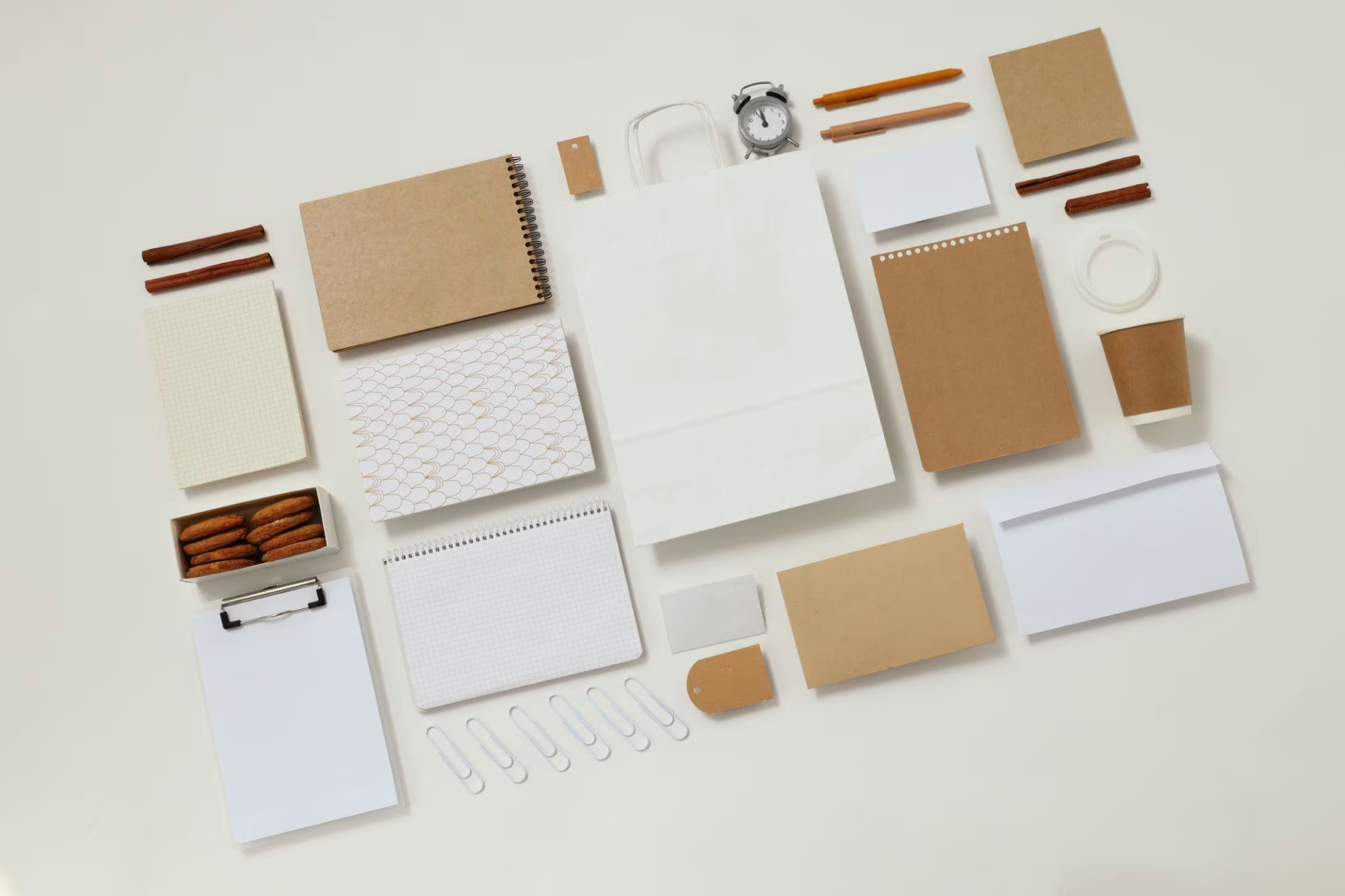
Every office has them: twelve pens that don’t work, three identical notepads, five different coloured sticky note pads.
Here’s the uncomfortable truth: choice overload actually reduces productivity. Having 47 pen options means every time you reach for a pen, you’re making a micro-decision. Repeat that a hundred times daily and you’ve stolen mental energy from actual work.
Most successful office workers use the same tools repeatedly. Pick one pen that feels good to write with. One notebook format. Two colours of sticky notes. You don’t need more.
The minimalist approach means:
- One primary writing tool (pen or pencil) that you like
- One notebook format for daily notes
- One set of sticky notes (or two colours maximum)
- Pens and pencils that are actually good – not cheap, but not luxury either, just functional
This sounds restrictive but it’s liberating. You stop wasting time choosing tools and you use better tools more consistently.
Duplicate supplies also tempt us to “stock up” for emergencies. One stapler, not three. One pack of paper clips, not five. When you use something regularly, you notice when it’s running low and you replace it. You don’t need redundancy; you need one good version of each thing.
Check your office supplies once a month. If you have multiples of something, consolidate to one and donate or recycle the rest. This simple habit prevents supply multiplication.
Build a System You’ll Actually Maintain

The best office organisation system is the one you maintain.
Complex systems with fifteen steps fail. Simple systems with two or three clear steps work.
The five-minute end-of-day reset is the bare minimum. Spend five minutes clearing your desk surface, putting items in their designated spots, and preparing for tomorrow. You’re not deep cleaning; you’re just removing the “maybe later” pile and resetting your workspace. Tomorrow you’ll sit down to a clear desk, which feels significantly better than inheriting today’s chaos.
Weekly processing (Friday afternoon works well). Spend 15 minutes going through your inbox, filing documents, recycling clutter that accumulated during the week. Empty the “To Sort” section. This prevents paper from taking over.
Monthly inventory check (first of the month). Walk around your office. Do shelves look cluttered? Are supplies piling up somewhere? Have duplicates reappeared? Make small adjustments before clutter becomes the problem again. Maintenance takes 10 minutes; rescue takes hours.
This isn’t complicated. You’re not reorganising everything monthly; you’re noticing what’s drifting and fixing it immediately.
The psychology matters here: organisation fails when people wait until things are chaotic to act. Maintenance—tiny, consistent actions—keeps things manageable indefinitely. You’re not trying to stay perfectly organised; you’re trying to stay slightly ahead of disorder.
Organise Your Digital Office Too

Physical organisation often makes people forget about digital clutter.
Your computer files collect the same way physical files do: important stuff surrounded by projects from 2019 that you’ll “definitely need someday.”
Desktop files should not include everything. Your desktop is for active, current work only. Everything else should live in a folder system.
A simple folder structure works better than complex hierarchies:
- Current Projects
- Archive (old projects, by year)
- Reference (documents you consult repeatedly)
- Media (screenshots, images, downloads)
Put related files together. Don’t create thirty subcategories; you’ll forget where things are. Keep it broad and searchable.
Naming conventions matter: Use dates and descriptive names. “2024-05-Client-Proposal” is findable. “Final-V2-Actual-Final” is chaos.
Compress files and delete duplicates. Most people keep multiple versions of documents without realising it. A simple file cleanup (removing duplicates, old downloads) often frees gigabytes of space and makes your computer faster.
Unsubscribe from email lists you don’t read. Email clutter feels less visible than physical clutter, but it adds to cognitive load. A clean inbox genuinely improves focus.
Digital organisation is easier to maintain than physical organisation because you can search. But leaving it completely chaotic means you’ll eventually lose something important or spend an hour searching for a file.
The Long-Term Perspective: Why This Actually Matters

An organised office isn’t about aesthetics or perfectionism.
It’s about cognitive load. Every visual element your brain processes requires energy. A cluttered desk forces your brain to filter chaos while you’re trying to focus on actual work. Even subconsciously, you’re processing the mess.
When your office is organised—not perfect, just functional—your brain can relax. You’re not expending mental energy on the environment. That energy goes toward your actual work, which means better focus, faster work, and less stress.
People who maintain organised offices consistently report feeling less overwhelmed, working faster, and finding it easier to focus. It’s not magic; it’s just removing friction.
The systems described here aren’t rigid. You’ll adjust them. Maybe you use digital tracking instead of a paper inbox. Maybe your zones look different. Maybe your minimalist approach is less minimal. The point is having a system, not having the perfect system.
Start with the declutter. That single step—removing things you don’t use—creates immediate improvement. Then add one or two systems that address your biggest pain points. Expand from there.
Office organisation is maintenance, not rescue. A few minutes daily, a quick weekly check, a monthly look around. Small consistent actions prevent big problems.
That’s the whole system. And it works.
Common Questions About Office Organisation
How long should organising my office take?
The initial declutter and setup takes a weekend if you’re thorough. Maybe 6-8 hours. After that, it’s just maintenance: 5 minutes daily, 15 minutes weekly, and a 10-minute monthly check. The investment upfront saves countless hours of searching and reduces daily stress.
Should I buy new storage products first?
No. Declutter first, then measure your actual needs. Most people have too much stuff and don’t need more storage; they need less stuff. Buy storage after you know exactly what you’re keeping.
What’s the best filing system for documents?
Simple beats complex. Broad categories (Financial, Medical, Projects, Property) with colour coding work better than elaborate subcategories you’ll forget. Label everything clearly. Digital copies of important documents prevent the need to keep originals cluttering your office.
How do I prevent my organised office from becoming cluttered again?
The five-minute daily reset and weekly processing prevent accumulation. It’s easier to maintain than to rescue. When clutter stays small, it doesn’t become overwhelming.
Is a minimalist office right for me?
Depends on your work style. Creative professionals might need visible tools and references. Administrators might work better with everything hidden. The minimalism matters less than having a system that reduces friction in your specific workflow. Start minimal, then adjust based on what actually works for you.
Should I go all-digital or keep paper files?
Most people benefit from a hybrid. Important documents scanned digitally for backup and searchability. Active documents in a small physical filing system. Everything else digital. Hybrid approaches are more realistic than all-or-nothing.
How often should I completely reorganise my office?
Rarely. With monthly maintenance checks, you shouldn’t need major reorganisation more than once a year. If you’re reorganising quarterly or monthly, your system isn’t working—simplify it.
Office organisation doesn’t require expensive products,
Pinterest perfection, or overthinking.
It requires one simple realisation: organisation is a system, not a destination. You’re not trying to reach some perfect state of perpetual tidiness. You’re building small habits that keep friction low and focus high.
Start this week. Declutter one area—your desk, one drawer, one shelf. Remove the stuff that’s taking up space without earning it. Then add one system that addresses your biggest frustration: a desktop tray, an inbox system, cable management, whatever would make the most immediate difference.
That’s enough to start. Everything else follows from there.


