Estimated reading time: 14 minutes
The first smart home device I ever bought sat unused in a box for two weeks. Turned out it needed a hub to function, and nobody — not the packaging, not the product listing, not the YouTube review I watched — made that obvious upfront.
The second device I bought was a $15 smart plug. I use it every single day.
That gap in experience is basically the whole story of why smart home buying advice fails beginners. Most guides throw fifty products at you without explaining what order they should be bought in, what decisions you need to make before spending a single dollar, or — perhaps most usefully — what you genuinely don’t need yet.
The best smart home devices for beginners aren’t necessarily the most impressive ones. They’re the ones that work reliably, feel immediately useful, and don’t require a weekend of troubleshooting to set up. Here’s the honest version of where to start.
The Decision You Need to Make Before Buying Anything
Pick your ecosystem first. Everything else follows from this.
A smart home ecosystem is the platform that ties your devices together — the thing that lets you control your lights, thermostat, and doorbell from one app and with one voice command. The three main ones are Amazon Alexa, Google Home, and Apple HomeKit.
Most devices support at least two of these. Some support all three. But they don’t all support them equally well, and once you’ve built a setup around one ecosystem, switching later is genuinely annoying.
Here’s a practical way to choose:
| Ecosystem | Best For | Voice Assistant | Works Best With |
| Amazon Alexa | Widest device compatibility | Alexa | Echo speakers, Fire TV, Ring |
| Google Home | Android users, Google services | Google Assistant | Nest devices, Android phones |
| Apple HomeKit | Privacy-focused, Apple users | Siri | iPhone, iPad, Apple Watch |
If you already own an Amazon Echo or a Google Nest speaker, start there. If you’re deep in the Apple ecosystem with an iPhone and MacBook, HomeKit is the most natural fit. If you’re starting completely fresh with no existing smart devices, Alexa has the widest device compatibility and the most beginner-friendly setup experience.
One thing worth knowing for 2026 purchases: look for devices labelled Matter-compatible. Matter is a newer universal standard that lets devices work across all three ecosystems simultaneously — so a Matter bulb works with Alexa, Google Home, and HomeKit without choosing sides. It’s not essential for a starter setup, but it’s a useful future-proofing consideration when comparing similar products.
The Recommended Starting Order
Most guides skip this entirely. They list device categories but leave you to figure out the sequence yourself. Here’s a practical order that builds a coherent setup without waste:

- Smart speaker (your control hub and voice interface)
- Smart bulbs or a light strip (immediate visible impact, easy setup)
- Smart plug (the most underrated device in this category)
- Smart thermostat (if you own your home and have a compatible HVAC system)
- Video doorbell (security that delivers daily value, not just during emergencies)
- Smart lock (optional, but genuinely useful if security is a priority)
You don’t need to buy all of these at once. Many people are happy stopping at steps two or three and that’s a completely legitimate outcome — not a failure to “complete” a smart home.
Smart Speakers: Your Starting Point (With One Honest Caveat)
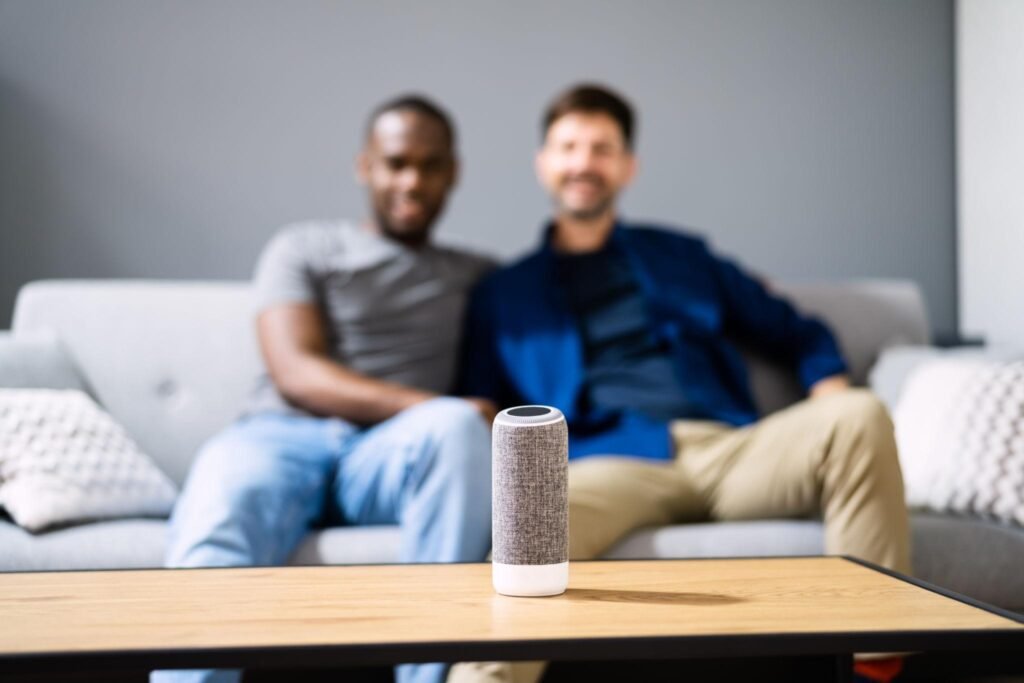
A smart speaker isn’t strictly required to use smart home devices — most things can be controlled through their companion apps directly. But having a central voice interface changes how the whole setup feels to use. It’s the difference between reaching for your phone every time and just saying “turn off the living room lights” from the couch.
Amazon Echo Dot (5th Gen) is the easiest starting point for most people. It’s compact, affordable, compatible with an enormous range of devices, and the Alexa setup process is straightforward even if you’ve never done anything like this before. For the price, it’s hard to argue against.
Google Nest Mini is the better choice if your household uses Android phones or you’re already using Google services heavily. The voice recognition is excellent and the Google Home app has improved significantly. It also tends to handle conversational follow-up questions better than Alexa.
Apple HomePod Mini is worth it specifically if you’re in the Apple ecosystem and privacy matters to you. Apple processes more commands locally rather than in the cloud, which is a genuine differentiator. It’s less useful if you’re not already using Apple devices.
One thing that often gets overlooked: consider how the rest of your household will use this. A smart speaker that confuses a partner, parent, or flatmate will get unplugged. Pick the one that matches how your household already uses technology, not just what seems most technically capable.
If you want a walkthrough of setting up a smart speaker from scratch, this DIY smart speaker setup guide covers the process step by step.
Smart Lighting: The Highest-Impact First Purchase
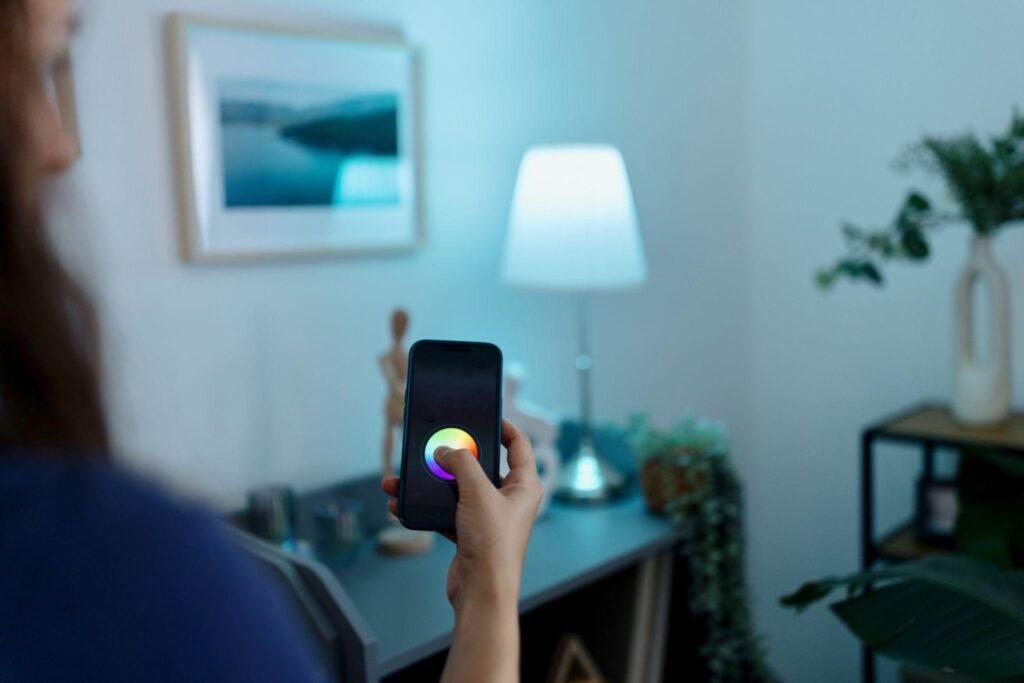
Smart bulbs are where most beginners see the clearest immediate benefit — dimming from the app, colour changing for ambience, lights that turn on automatically at sunset, or a wake-up scene that gradually brightens thirty minutes before your alarm. The payoff is visible and daily.
Philips Hue is the most reliable ecosystem if you’re planning to expand lighting across multiple rooms. The starter kit includes the hub (bridge) and two or three bulbs. It’s more expensive upfront, but the app is genuinely excellent, the bulb range is extensive, and Hue has a strong track record of long-term support — which matters when you’re buying connected devices.
LIFX is the easier budget-friendly starting point. No hub required — the bulbs connect directly to Wi-Fi and the app is clean and simple. The colour range is vivid and the setup is about as frictionless as smart bulbs get. For one or two rooms, LIFX is hard to beat on value.
Wyze Bulb is the budget floor — basic dimming, white light only on most models, Alexa and Google compatible. If you want to test whether smart lighting is actually useful for you before spending more, Wyze is a low-stakes way to find out.
One practical note that most guides omit: make sure your household understands that turning the wall switch off defeats the smart features. This sounds minor until it’s happened fifty times. Either label the switches, get smart switches that keep the circuit on, or accept that someone in the house will keep “breaking” the setup.
For a detailed look at installation, fitting types, and the 2.4GHz Wi-Fi issue that catches most beginners out, this guide on how to install smart lights is worth reading before you buy.
Smart Plugs: The Underrated Starting Point Nobody Talks About
Smart plugs are boring. They’re also the single most reliable value in the entire smart home category and the first thing I’d recommend to someone genuinely new to all of this.
A smart plug turns any existing appliance into a schedulable, app-controlled, voice-controlled device without replacing it. A floor lamp becomes a smart light. A fan becomes something that turns on automatically when it gets warm. A coffee maker starts brewing before you get out of bed.
TP-Link Kasa smart plugs are the most consistently recommended beginner option — easy setup, solid app, works with Alexa and Google, and genuinely reliable over time. They’re also inexpensive enough that buying two or three to experiment with isn’t a significant investment.
The reason smart plugs are such a good starting point: they teach you what smart home automation actually feels like in daily use before you’ve committed to a more expensive device category. If you set up a plug-in lamp with a sunset schedule and genuinely never think about it again, you’ll know immediately that smart home automation is for you.
For more options across different use cases, these smart plugs for automation are worth comparing before buying.
Smart Thermostats: Genuinely Worth It — With Caveats
Smart thermostats are where smart home technology delivers the clearest financial return. A well-configured smart thermostat — one that learns your schedule and stops heating an empty house — can meaningfully reduce energy bills over the course of a year.
Google Nest Thermostat is the most beginner-friendly option in this category. It learns your temperature preferences over the first week or two, adapts to your schedule automatically, and can be controlled remotely from anywhere. If you forget to turn the heating off before a trip, that’s fixable from your phone in thirty seconds.
Ecobee SmartThermostat is the stronger choice for people with more complex heating zones or those who want detailed energy reports. It also comes with a remote sensor, which helps with temperature accuracy in larger homes.
The caveats that most guides bury: Smart thermostats typically require a C-wire (common wire) connection in your existing system. Older homes sometimes don’t have one, which requires either an adapter or a professional installation. They also generally require homeowner permissions — if you’re renting, check with your landlord before buying. And they need to be compatible with your specific heating and cooling system type.
If you own your home and have a compatible system, a smart thermostat is one of the better long-term investments in this category. If you’re renting, skip it for now and focus on the categories that don’t require hardware changes.
The smart thermostat installation guide covers compatibility checking and the installation process in detail if you want to assess your specific situation before purchasing.
Security Devices: High Perceived Value, Choose One to Start
Home security is one of the most common motivations for getting into smart home technology, and the devices in this category have become genuinely good — particularly video doorbells.
Ring Video Doorbell remains the most popular starting point for good reason. The app is reliable, the motion detection is configurable, and being able to see and speak to whoever is at your door from anywhere is immediately useful — not just as a security measure but for package deliveries, letting in visitors when you’re running late, and the occasional “I can see you’re home, I know you just don’t want to answer the door” moment.
Eufy Security Cameras are worth considering for indoor or outdoor monitoring without a monthly subscription. Most Ring features beyond basic recording require a Ring Protect subscription; Eufy stores footage locally, which also addresses privacy concerns about cloud-stored video.
Smart locks are genuinely useful if security and access management are priorities — letting in a cleaner, giving family members keypad access, or just never worrying about losing your keys again. The installation involves replacing your existing deadbolt, which is straightforward but does require the landlord’s permission in a rental. The best smart locks for homeowners covers the options worth considering in detail.
For a broader look at building out home security with smart devices, these DIY smart security setup ideas are worth browsing once you’ve got a starter setup running.
What to Skip for Now
This section doesn’t exist in most smart home guides, which is a problem. Here’s what beginners routinely overbuy:
Smart appliances (smart fridges, smart washing machines, smart ovens): The connectivity features are rarely useful enough to justify the premium. The apps are often poor, support is inconsistent, and you won’t replace a working appliance just to add Wi-Fi to it. Skip these entirely until you’re replacing an appliance anyway.
Smart displays (Echo Show, Nest Hub): Useful eventually, but not a starting point. A smart speaker does everything a beginner needs, and the display adds cost without adding much value until you have a larger, more integrated setup.
Multi-room audio systems: A satisfying thing to set up eventually, but not a priority for someone building their first smart home. Start with one speaker, see how much you use it, then expand.
Zigbee hubs and advanced automation controllers: Products like SmartThings or Home Assistant are excellent for people who want deep customisation and complex automations. They’re genuinely overkill for beginners and add setup complexity you don’t need yet.
Starter Budget Guide
| Setup Level | What’s Included | Approximate Cost |
| Minimal starter | 1 smart speaker + 2 smart bulbs | $60–$100 |
| Practical starter | Speaker + bulbs + 2 smart plugs | $100–$160 |
| Well-rounded setup | Above + video doorbell | $200–$280 |
| Full beginner setup | Above + smart thermostat | $350–$500 |
These are realistic ranges, not optimistic ones. You can come in at the lower end by choosing budget brands; the higher end reflects more established ecosystems with better long-term support.
The practical advice: start at the minimal starter level, live with it for a month, and only expand when you’ve genuinely identified what you’d use next. Most people who buy the “full beginner setup” on day one end up with devices they barely touch.
If you want to build out a more complete setup without overspending, these budget smart home upgrades cover the best value options across every category.
A Word on Privacy
Most smart home guides cover this in one line and move on. It deserves slightly more than that.
Smart speakers are always listening for a wake word. That audio data is processed on company servers. You can limit what’s stored by going into your account settings and enabling auto-deletion of voice recordings — this takes about two minutes and is worth doing.
Smart cameras and doorbells store footage in the cloud by default on most platforms, which means a company has access to video from inside and outside your home. If this is a concern, look at locally-storing options like Eufy, or check what data retention controls your chosen platform offers.
None of this means you shouldn’t use these devices — but going in with clear eyes about the trade-offs is more useful than discovering it later.
Frequently Asked Questions
What is the best first smart home device to buy?
A smart speaker paired with one or two smart bulbs is the most common and practical starting point. If you want something even simpler, a smart plug is the easiest introduction to smart home automation — it works with existing appliances and teaches you what scheduling and app control actually feels like before you invest in more.
Do I need a smart speaker to use smart home devices?
No — most smart home devices can be controlled directly through their companion apps without a smart speaker. A speaker adds voice control and makes the whole setup more convenient to use day-to-day, but it’s not a technical requirement. Many people start with just an app-controlled bulb or plug.
Can smart home devices from different brands work together?
Often yes, but not always reliably. The safest approach is to buy devices that share the same ecosystem (Alexa, Google Home, or HomeKit) or look for the Matter logo, which indicates cross-platform compatibility. Mixing brands across different ecosystems can result in devices that work individually but can’t be combined into shared automations.
What smart home devices are best for renters?
Smart bulbs, smart plugs, and smart speakers require no installation changes and are fully renter-friendly. Video doorbells can sometimes be installed without permanent changes depending on the model. Smart thermostats and smart locks typically require hardware changes and landlord permission — these are homeowner-first categories.
Is setting up a smart home difficult for non-technical people?
Modern smart home devices are considerably easier to set up than they were five years ago. Most involve downloading an app, plugging in or screwing in the device, and following a pairing wizard. The main friction points are ecosystem decisions and the 2.4GHz Wi-Fi issue that affects some devices — both of which are easy to navigate with a bit of prior knowledge.
What smart home devices actually save money?
Smart thermostats deliver the clearest financial return by reducing heating and cooling of unoccupied spaces. Smart plugs with scheduling can reduce standby power draw on appliances that don’t need to be on overnight. Smart lighting saves on electricity through dimming and scheduling. The savings are real but modest — smart home technology is more useful for convenience than dramatic energy cost reduction for most households.
What is the difference between Alexa, Google Home, and Apple HomeKit?
All three are smart home ecosystems — platforms that connect and control your devices. Alexa (Amazon) supports the widest range of third-party devices. Google Home integrates well with Android and Google services. Apple HomeKit prioritises privacy and integrates with iPhone, iPad, and Apple Watch. Most beginners should choose based on what devices and services they already use rather than technical differences between the platforms.