Estimated reading time: 13 minutes
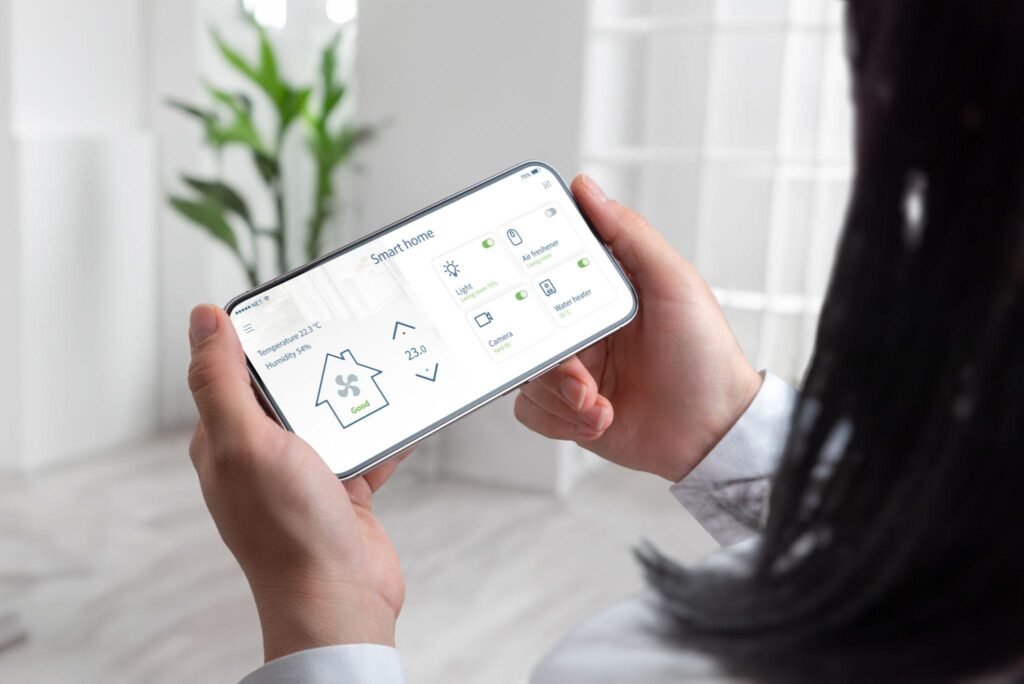
You’ve just unboxed your first smart speaker. A smart bulb is on the way. You’re already picturing the automations — lights that turn on at sunset, doors that lock themselves when you leave. It feels exciting.
Then reality hits.
The bulb doesn’t work with your speaker. The app wants a hub you don’t have. Your Wi-Fi keeps dropping the one device you actually managed to set up. Sound familiar?
Smart homes can genuinely change how you live — or they can become an expensive, frustrating mess of half-working gadgets and too many apps. The difference almost always comes down to the same handful of DIY smart home mistakes that beginners make before they know better.
Here’s what those mistakes actually are, why they hurt, and how to sidestep them before they cost you time or money.
Why Most Smart Home Setups Go Wrong from Day One
It’s rarely a single catastrophic error. It’s usually a chain of small, reasonable-sounding decisions that compound into a system that barely works.
You buy a popular smart bulb. Then a smart plug from a different brand. Then a video doorbell that only works with its own app. Six months later you’ve got four separate apps, devices that don’t talk to each other, and a home that’s technically “smart” but genuinely more inconvenient than before.
The good news? Every one of these problems is avoidable. You just need to know what to watch for.
Mistake 1: Buying Before You’ve Made a Plan
This is the one that gets almost everyone.
Smart home devices are genuinely fun to browse. It’s easy to see a smart lock on sale and add it to your cart before you’ve thought about whether it fits what you’re actually trying to build. Before long, you’ve got a collection of devices that don’t connect, don’t communicate, and don’t solve the problems you actually have.
Before buying anything, ask yourself three questions: What’s bothering me most about my home right now? What do I want automated — and why? What’s my rough budget for the next six months?
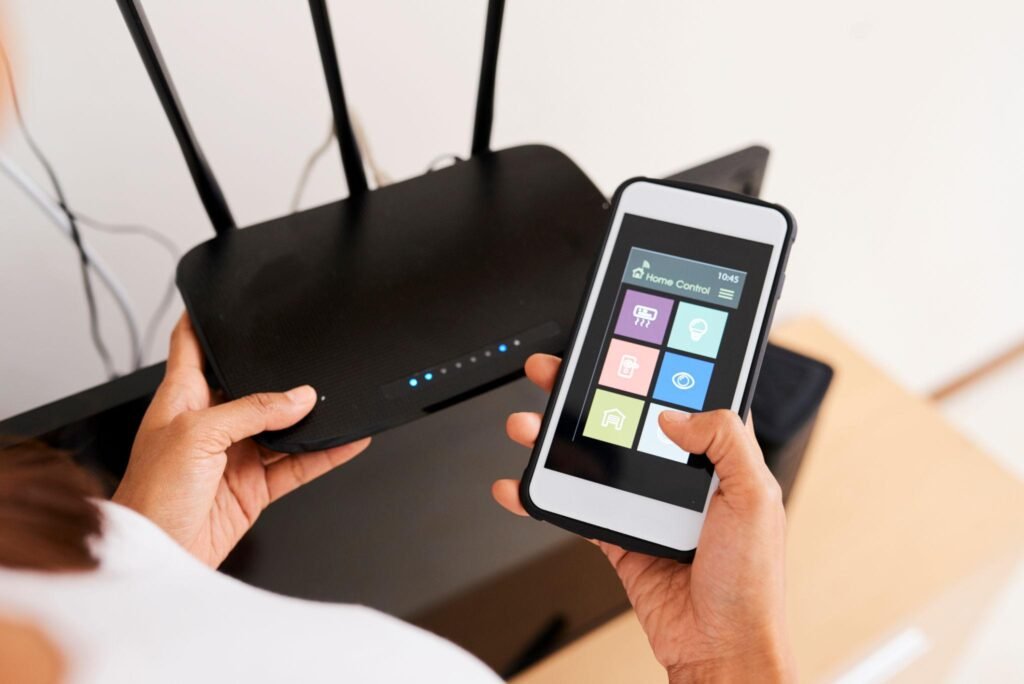
Start with one or two devices that address a real need. A smart thermostat if energy bills frustrate you. A smart lock if you’re always second-guessing whether you locked the door. Build from there with intention, not impulse.
Mistake 2: Ignoring Ecosystems Until It’s Too Late
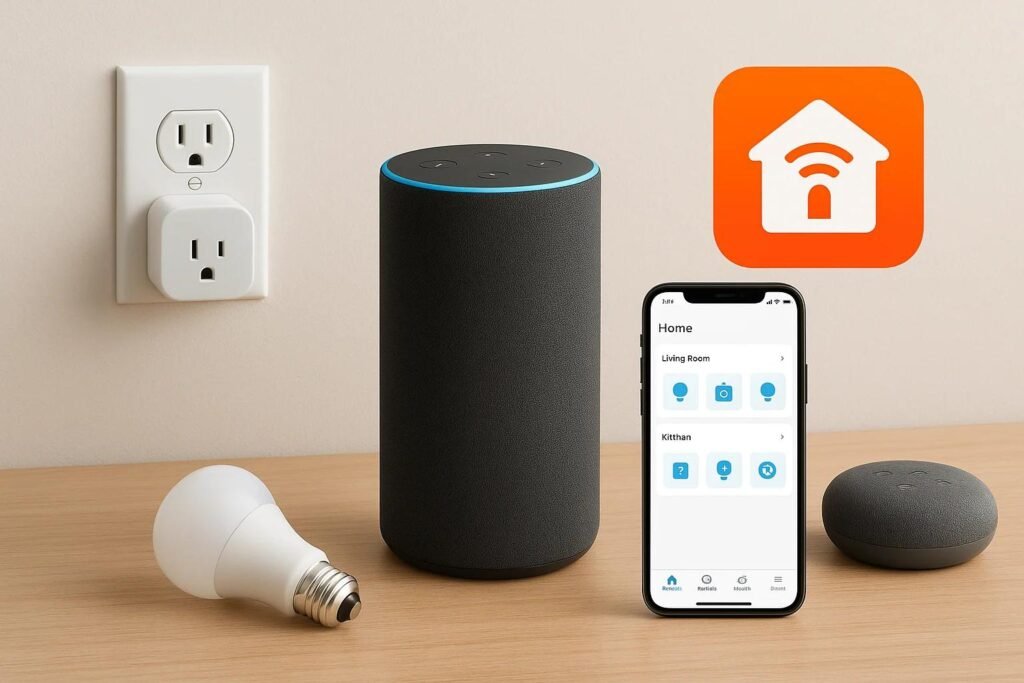
This is probably the most consequential smart home mistake beginners make — and the one that’s hardest to undo.
Every major smart home platform — Amazon Alexa, Google Home, Apple HomeKit — has its own ecosystem of compatible devices, its own app, and its own way of doing things. Most devices work with at least one of these platforms, but not always all three. Buy without checking, and you’ll end up with devices that simply won’t talk to each other.
Amazon Alexa vs Google Home vs Apple HomeKit — A Quick Heuristic
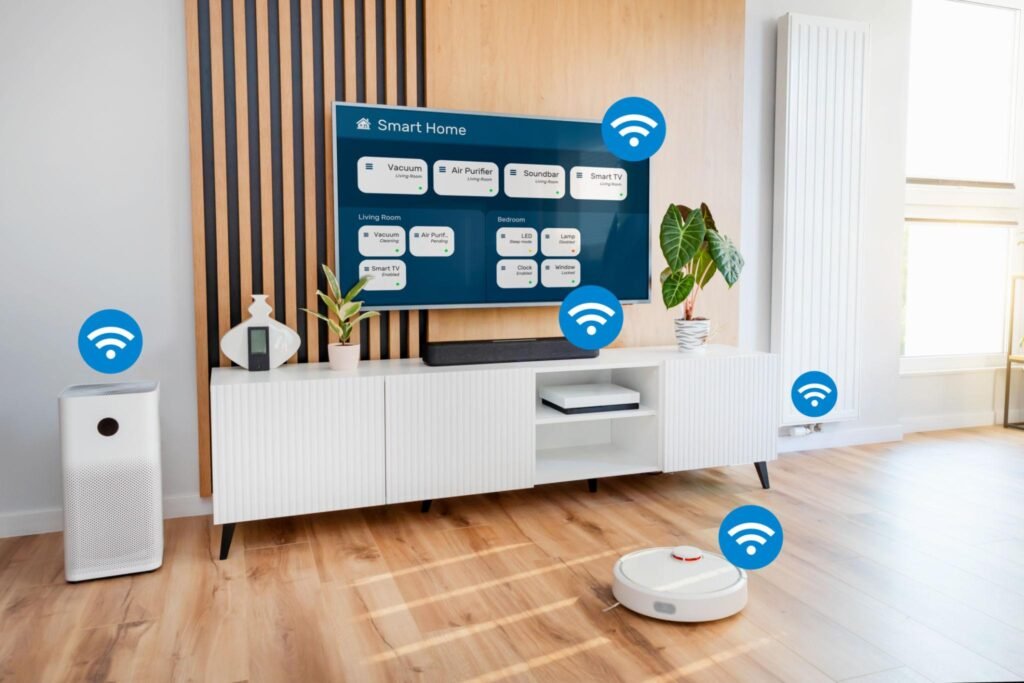
Here’s the most practical way to think about it:
- Alexa has the broadest device compatibility and works well for mixed households with varied tech preferences. It’s the most forgiving ecosystem for beginners.
- Google Home integrates naturally with Android phones, Google services, and Nest devices. If your household runs on Android, it’s an obvious fit.
- Apple HomeKit offers strong privacy controls and feels native if you’re already in the Apple world — iPhones, iPads, Macs. But compatible devices are more limited and often pricier.
Pick one ecosystem first. Then check that every device you consider has a “Works with Alexa,” “Works with Google Home,” or “Works with Apple HomeKit” label before you buy. It takes thirty seconds and saves hours of frustration.
If you’re building something more complex, a smart home hub can help bridge devices across different protocols — but more on that shortly. For now, check out our guide to the best smart home devices for beginners for ecosystem-friendly starter picks.
Mistake 3: Overlooking Connectivity Standards
This one trips people up because it sounds more technical than it actually is.
Smart devices don’t all communicate the same way. Some use Wi-Fi. Some use Bluetooth. Some use Zigbee or Z-Wave — two different low-power wireless protocols designed specifically for smart home devices. And then there’s Matter, a newer open standard that’s slowly making all of this simpler.
What Is Matter and Does It Solve Everything?
Matter, developed by the Connectivity Standards Alliance, is designed to let devices from different brands and ecosystems work together without compatibility headaches. It’s a genuine step forward. But adoption is still growing, and older devices aren’t always upgradeable to support it. It’s promising, not magic — yet.
Here’s a practical breakdown of what each standard actually means for you:
| Standard | Range | Best For | Drawback |
| Wi-Fi | Whole home | Cameras, video doorbells, smart TVs | Congests your network fast |
| Bluetooth | Short range | Personal devices, speakers | Not practical for whole-home setups |
| Zigbee | Mesh (extends itself) | Lights, sensors, locks | Needs a compatible hub |
| Z-Wave | Mesh (extends itself) | Lights, sensors, locks | Needs a compatible hub |
| Matter | Varies | Cross-brand compatibility | Still expanding adoption |
The practical takeaway: don’t put every smart device on Wi-Fi. If you’re adding smart lights or sensors, Zigbee or Z-Wave devices are more reliable, use less bandwidth, and create self-healing mesh networks that extend their own range. They need a hub to work, but that’s a worthwhile trade-off for a more stable system.
Mistake 4: Treating Security Like an Afterthought
Here’s where the stakes actually get serious.
Every device you connect to your home network is a potential entry point. Default passwords, outdated firmware, and no network segmentation are the three things that turn a smart home into a security liability. It’s not hypothetical — poorly secured IoT devices have been used in real-world attacks, from data theft to hijacked cameras.
The Five-Minute Security Checklist
Do these things when you set up any new smart device:
- Change the default password immediately — use something strong and unique for every device
- Enable two-factor authentication on every smart home app that supports it
- Turn on automatic firmware updates (or check manually every month)
- Set up a separate guest or IoT Wi-Fi network for your smart devices — this keeps them isolated from your main computers and sensitive files
- Delete apps and deregister devices you no longer use
None of this is complicated. It’s just easy to skip when you’re excited to get the device working. Don’t skip it.
For more detail on keeping your devices protected, our DIY smart security setup guide covers home security from the ground up.
Mistake 5: Building for Right Now Instead of Later
Your smart home needs will change. You’ll add devices. You might move. New standards will emerge. If you lock yourself into a proprietary ecosystem or a brand with limited compatibility, you’ll eventually hit a wall.
Philips Hue is a good example of this done right — their system works with Alexa, Google Home, and HomeKit, supports Zigbee, and has strong third-party support. Compare that to some proprietary systems that only work within their own app. Once you’re deep into one of those, switching costs you everything.
Prioritise devices that support open standards like Matter, Zigbee, or Z-Wave. Invest in a quality hub or mesh Wi-Fi system as your foundation. And before committing to a brand, spend five minutes searching whether they’ve dropped support for older products or stranded customers — it happens more than you’d think.
Mistake 6: Blowing the Budget in the Wrong Order
Smart home gear can get expensive fast, especially when you’re buying without a plan. The problem isn’t the cost of individual devices — it’s buying the wrong ones first.
A $200 smart display isn’t going to change your life if your Wi-Fi is patchy and your router is five years old. A set of smart bulbs isn’t particularly useful without the automations and ecosystem to drive them.
Spend money on your infrastructure first. A solid router — or a mesh Wi-Fi system if your home is large — makes every other device work better. Then prioritise devices with a clear payoff: a smart thermostat, for example, can reduce heating and cooling costs meaningfully over time (Energy Star-certified models are worth looking at for verified efficiency savings).
For budget-conscious setups, these budget smart home upgrades are a good place to prioritise where your money actually goes.
Mistake 7: Automations That Are Too Clever to Work
The whole appeal of a smart home is automation. The problem is that beginners often try to build elaborate routines before they understand the basics — and those routines break constantly.
“If motion is detected in the hallway AND it’s after 7pm AND the sun has set AND nobody is in the bedroom AND the last person left less than 10 minutes ago, dim the living room lights to 40%.” Sounds clever. Fails every other Tuesday for reasons you can’t diagnose.
Start simple. “Turn on the porch light at sunset.” “Lock the front door at 10pm.” “Turn off all lights when everyone leaves.” Get these working reliably before you add conditions.
Once the basics run without issues for a couple of weeks, layer in complexity gradually. Simple automations that actually work are infinitely more satisfying than clever ones that don’t.
Our smart lighting automation tips are a good place to start building routines that hold up.
Mistake 8: Underestimating What Your Network Actually Needs
Your smart home is only as reliable as your Wi-Fi. This isn’t dramatic — it’s just true.
An older router handling 20+ connected devices will struggle. You’ll see devices going offline, sluggish response times, and automations that fire late or not at all. Smart cameras and video doorbells are bandwidth-heavy. Even lighter devices like sensors and smart plugs add up.
Signs Your Router Can’t Handle Smart Devices
- Devices drop off the network regularly without explanation
- Voice commands lag noticeably before executing
- Automations fire several seconds late
- You have dead zones where devices won’t stay connected
If any of those sound familiar, it’s worth upgrading. A mesh Wi-Fi system is the most practical solution for medium to large homes — it eliminates dead spots and handles device load far better than a single router and extender setup.
Also worth knowing: Zigbee and Z-Wave devices don’t run on Wi-Fi at all, which means adding more of them doesn’t congest your network. That’s another reason they’re worth considering as your device count grows.
Mistake 9: Attempting Installs That Need a Professional
Most smart home devices are designed for DIY. Smart bulbs, smart plugs, smart speakers — unbox, plug in, connect. Totally manageable.
But some installations cross into territory where confidence isn’t the same as competence.
Smart light switches and dimmers involve opening up your wall and working with household wiring. Smart thermostats sometimes require a C-wire that older homes don’t have. Some smart locks need specific door prep. And any time a device requires rewiring, there’s real risk if you don’t know what you’re doing — to yourself, to the device, and potentially to your home insurance.
Read the full installation instructions before buying, not after. If those instructions reference things you’ve never heard of, look it up or call someone who knows. Our smart thermostat installation guide walks through what to expect — including where things get tricky.
Mistake 10: Installing It and Walking Away
Setting up a device doesn’t mean it’s done. A common beginner habit is to get something working, breathe a sigh of relief, and move on — only to discover three weeks later that it’s been offline the whole time and nobody noticed.
Smart homes need occasional check-ins. Test your automations periodically. Check that devices are still connected. Look for firmware update notifications. And actually ask other people in your household whether things are working for them — their experience of your smart home is often very different from yours.
If something stops working, troubleshoot it rather than just turning it off and pretending it doesn’t exist. Most connectivity issues have simple fixes: a reboot, a firmware update, or a Wi-Fi channel change.
Think of your smart home as an ongoing project. The setup phase is just the beginning.
The Smarter Way to Start
If there’s one pattern behind every mistake on this list, it’s rushing. Rushing to buy, rushing to set up, rushing to automate, rushing past security.
Slow down slightly at the start and you’ll move much faster later.
Pick an ecosystem. Understand your network. Start with devices that solve real problems. Get security basics in place on day one. Keep automations simple until you trust the system.
From there, the possibilities genuinely are as good as the brochure promised. Check out these easy smart home projects for beginners to put that foundation to good use.
Frequently Asked Questions
What are the most common DIY smart home mistakes beginners make?
The most common mistakes are buying devices without a plan, ignoring ecosystem compatibility, neglecting home network quality, and skipping basic security setup. Most of these are easy to avoid if you plan before you purchase.
Do I need a smart home hub?
Not always. Wi-Fi devices connect directly to your router without one. But if you’re using Zigbee or Z-Wave devices — which are more reliable for lights, sensors, and locks — you’ll need a compatible hub to connect them to your broader system. A hub also helps if you’re mixing devices from multiple brands.
Can you mix smart home brands?
Yes, but carefully. Devices that share the same ecosystem (Alexa, Google Home, or HomeKit) or support the Matter standard can generally work together. Mixing brands without checking compatibility first is one of the most common sources of frustration for beginners.
Is Matter better than Zigbee or Z-Wave?
They serve slightly different purposes. Matter is a cross-platform compatibility standard — it helps devices from different brands and ecosystems work together. Zigbee and Z-Wave are wireless protocols focused on reliability and low power consumption. Matter is the future direction of the industry, but Zigbee and Z-Wave still offer excellent stability for smart lighting, sensors, and locks right now.
How do I secure my smart home properly?
Use unique, strong passwords for every device and account. Enable two-factor authentication wherever it’s available. Keep firmware updated. Set up a separate Wi-Fi network for your smart devices so they’re isolated from your main computers. These five steps cover most of the real-world risk.
Do smart home devices slow down Wi-Fi?
Wi-Fi-based devices do add load to your network, and too many on an older router will cause problems. Zigbee and Z-Wave devices, however, run on separate wireless protocols entirely and don’t touch your Wi-Fi bandwidth at all — which is one reason they’re worth mixing in as your device count grows.
What’s the best smart home ecosystem for beginners?
It depends on your existing devices. Alexa has the broadest device compatibility. Google Home fits naturally if you use Android and Google services. Apple HomeKit is the best choice if your household runs on Apple devices and privacy is a priority. Pick based on what you already use — switching ecosystems later is painful.